
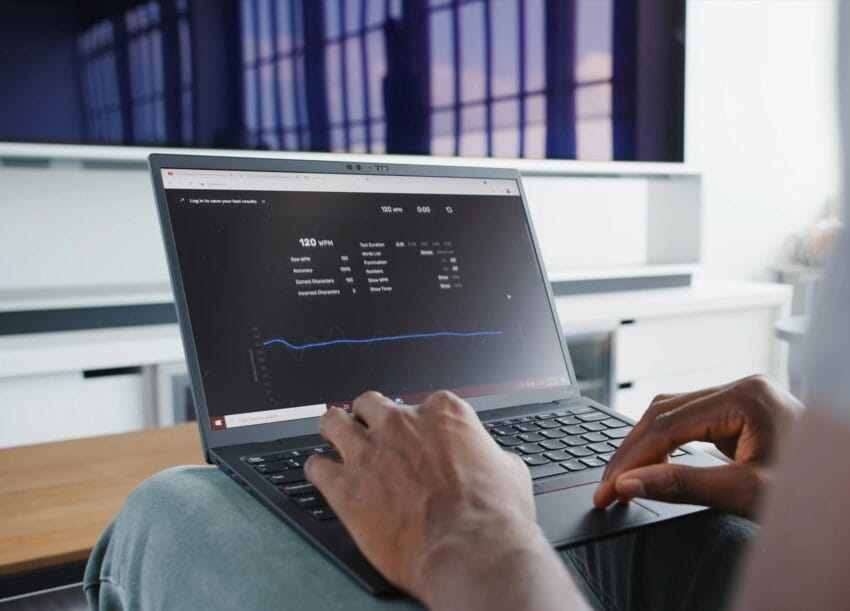
Choosing between a Mac and a PC is less about “which is better” and more about
- Macs cost more upfront
- PCs give you more options at every price point
- High-end PCs can exceed Mac prices easily
Performance
Mac Performance (Apple Silicon advantage)
- Apple’s M-series chips (M1, M2, M3, etc.) are extremely efficient
- Fast for:
- Video editing
- Design work
- Coding
- Excellent battery life
Reference:
https://www.apple.com/newsroom/2023/10/apple-introduces-m3-m3-pro-and-m3-max/
Strengths
- Smooth, optimized experience
- Silent and cool
- Strong performance per watt
Limitations
- Limited upgradeability
- Gaming is weak compared to PC
PC Performance (raw power flexibility)
- Uses Intel and AMD CPUs + NVIDIA/AMD GPUs
- Can be customized heavily
Reference:
https://www.intel.com
https://www.amd.com
https://www.nvidia.com
Strengths
- Best for gaming
- Best for high-end GPU workloads
- Upgrade parts anytime
Limitations
- Performance varies by build
- Can run hot/loud depending on setup
Security
Mac Security
- Unix-based system
- Smaller malware target
- Strong built-in protections
Reference:
https://support.apple.com/guide/security/welcome/web
Pros
- Fewer viruses
- Built-in privacy features
- Tight ecosystem control
Cons
- Not immune to threats
- Less flexibility for advanced control
PC Security
- Larger target for attacks
- Requires more active management
Reference:
https://www.microsoft.com/security
Pros
- Windows Defender is strong now
- Enterprise-level tools available
- More control for IT setups
Cons
- More exposed to malware
- Needs good habits and protection
Software & Compatibility
Mac
Best for:
- Creative tools (Final Cut, Logic Pro)
- iPhone/iPad ecosystem users
- Clean UI lovers
Limitations:
- Some business and legacy apps missing
- Gaming support limited

PC
Best for:
- Business software
- Gaming
- Custom workflows
Limitations:
- More cluttered ecosystem
- Software quality varies
Ease of Use
Mac
- Very clean, simple interface
- Works out of the box
- Less tweaking required
PC
- More options and settings
- Slightly steeper learning curve
- Can be tuned exactly how you want
Pros and Cons Summary
Mac Pros
- Premium build quality
- Excellent battery life
- Smooth performance
- Strong security
- Seamless Apple ecosystem
Mac Cons
- Expensive
- Limited upgrades
- Weak gaming
- Fewer hardware choices
PC Pros
- Wide price range
- Upgradeable
- Best for gaming
- More software compatibility
- Custom builds possible
PC Cons
- Can require maintenance
- Inconsistent quality across brands
- More security exposure if unmanaged
Practical Recommendations
Get a Mac if you:
- Do video editing, design, or content creation
- Want something simple that just works
- Use iPhone, iPad, AirPods daily
- Value battery life and portability
Get a PC if you:
- Game or want max performance per dollar
- Run business or niche software
- Like upgrading hardware
- Want full control over your system
Quick Decision Cheat Sheet
- Creator / Designer → Mac
- Business / Office / General Use → Either (lean PC for cost)
- Gamer → PC
- Developer → Mac or PC (depends on stack)
- Budget Buyer → PC
- Premium Simple Experience → Mac
Final Take
Mac is like a luxury sports sedan. Smooth, refined, and predictable.
PC is like a customizable performance shop. You can build anything, but you’re also the mechanic.
Neither is better universally. The right choice is the one that aligns with how you actually work every day.
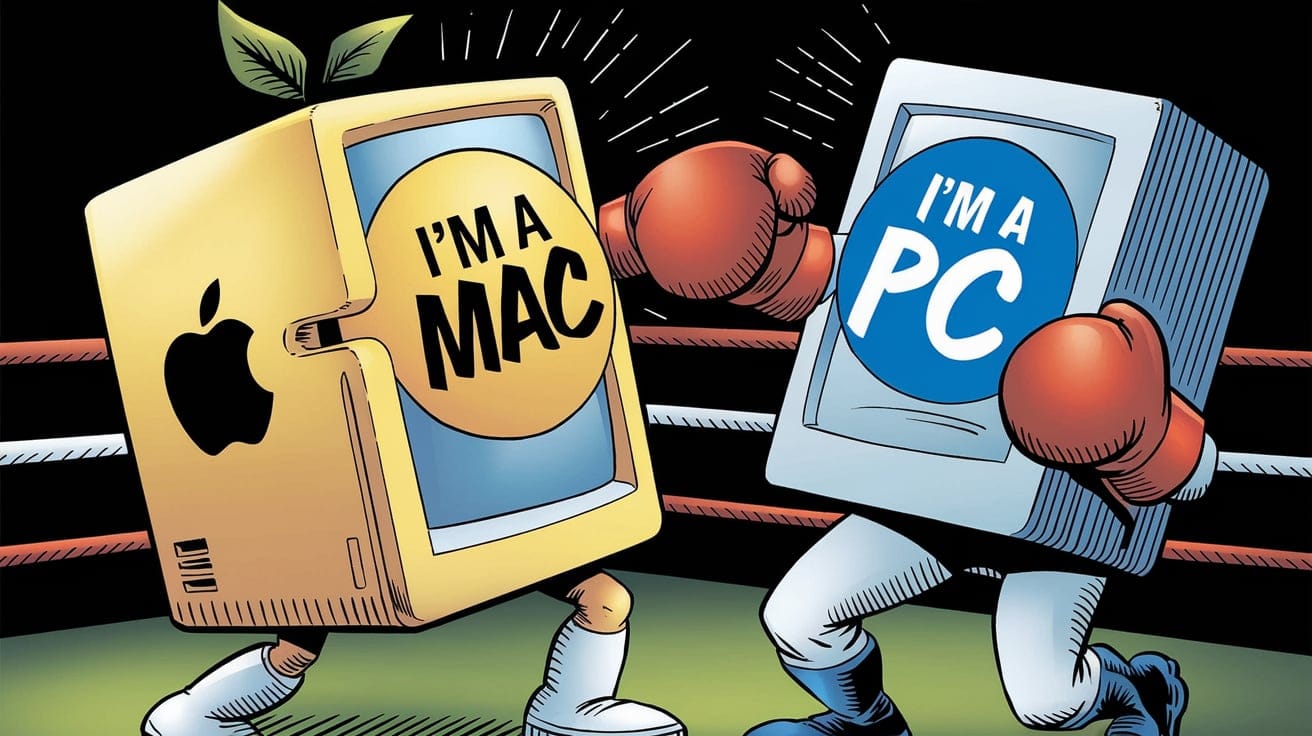
Apple vs. Windows Jokes:
Apple: “We removed the headphone jack.”
Windows: “We just removed the ‘blue screen of death’… mostly.”
Apple: “We make computers that just work.”
Windows: “We make computers that sometimes work… but hey, you can play Minesweeper!”
Why don’t Apple users play hide and seek?
Because good luck hiding when you’re already found by Apple! 😲
Apple users: “My computer is sleek, fast, and virus-free.”
Windows users: “Mine can run Doom from 1993 without breaking a sweat.”
Why did the Apple computer break up with the Windows computer?
It needed space… and Windows kept crashing the relationship.
Apple: “Here’s a new feature!”
Windows: “Here’s a 3-hour update you didn’t ask for.”
Why don’t Window users need Siri?
Because they already spend half their time talking to tech support!
Apple fans are like, “I love how seamless everything is!”
Meanwhile, Windows fans are like, “I love how customizable everything is… after I fix these 7 issues.”
Why do Windows computers make great detectives? They always find the problem, but solving it? That’s another story!
Why did the Apple user break up with their Windows computer? It just wasn’t their type… too many issues.
Why don’t Apple computers get viruses? Because they’re too expensive for the hackers to afford!
Windows update vs Apple update: Windows: “I’ll need 30 minutes to update.” Apple: “Here’s a quick update you didn’t ask for. Done in 5 seconds!”
How do Apple users fix problems? They don’t. They just buy a new Apple product.
Why do Apple computers have such a clean design? Because they hide the fact you’ve got no money left after buying one.
What’s the difference between a Windows and Apple user? A Windows user says, “I’ll figure it out.” An Apple user says, “There’s an app for that.”
Hope these bring a smile! 😊😊😊