
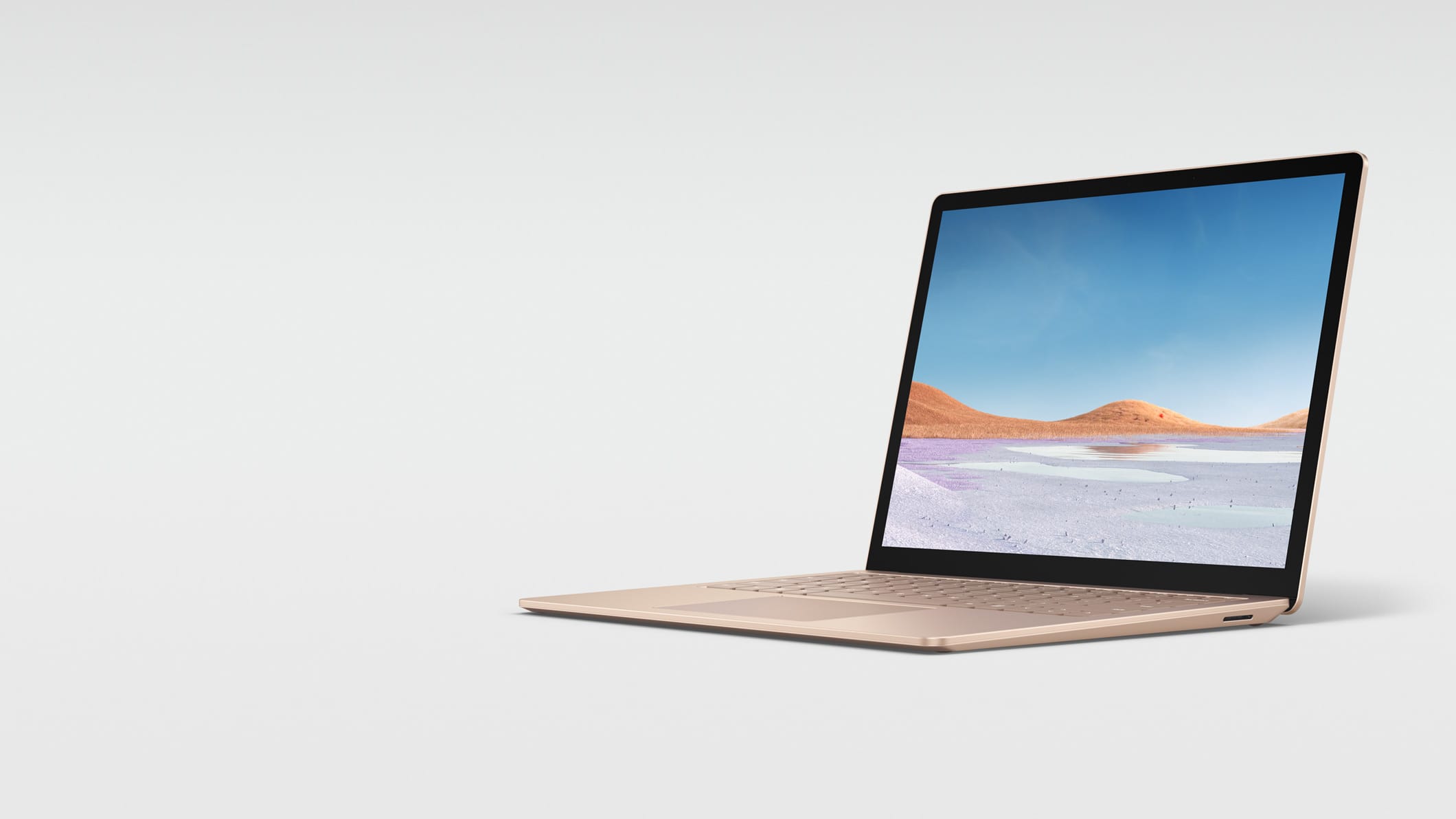
Sure, you here about optimizing websites all day, but did you know that you can optimize your laptop as well? For me, there is nothing more zenful than a fast non-laggy laptop. If you plan to do work on your laptop or build websites on it, you’re going to want it to run fast and smooth. Here’s 7 tips and getting it there!
Skip the touch screen
Touch screen is a super cool new tech feature. But on a laptop it will add constant load on your CPU. Even a high end laptop will turn into an average speed system with a large touch screen. And for the small amount of times you’ll use the touchscreen, the speed on your overall system will come in much more handy. Benchmarks show 14″ or smaller touch screens use significantly less power than 15.6 or larger touch screens.
Upgrade your RAM (Memory)
Your laptop uses hardware called random-access memory, or RAM, to load programs and open files quickly. It’s essentially your laptop’s short-term memory, and when it’s running low, your system will take longer to open and run multiple apps at the same time.
If you’ve had your laptop for longer than two years, it may be time to increase the RAM so it can run several applications and programs without slowing down.
A business laptop should have at least 12 gigs of ram “10/21”.
Use a SSD drive
SSD drives are much faster than the traditional HDD drives and less likely to have errors.
Reboot your laptop
If you haven’t rebooted your system in a while, it may just need a quick reset. Restarting your laptop not only clears temporary files and shuts down programs, it can solve more problems than you may think. Try to restart your laptop at least once a week to keep it working at its best.
Make space on your hard drive
Your laptop’s hard drive holds a lot of data. From photos and videos to music and other large files. If it’s nearly full, it can degrade your computer’s performance.
Remove unneeded programs
Every program you add to your laptop adds files, register strings, and misc. junk that requires more CPU power to keep up with it. Make sure to add programs only if needed and remove any programs you do not need.
Re-install Windows
After a couple years Windows just gets bogged down. The only thing you can do at this point is to get a USB drive and copy all your data to it and make a list of programs you need. Then do a full Windows restore that erases everything. Plan for 6 hours if you have a lot of programs you need to re-install and set up again.