
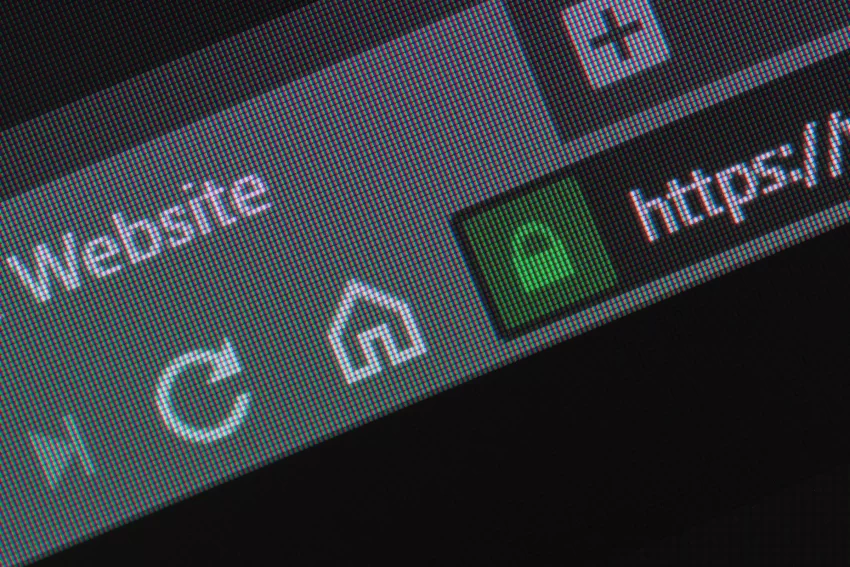
We had a customer today put in a ticket about an SSL browser error when connecting to their cPanel.
I am unable to access the cPanel section of the website. When I try, it says: Secure Connection Failed 12.123.123.123:2083 uses an invalid security certificate.
The certificate is not trusted because it is self-signed.
The certificate is only valid for dwhs211.dwhs.net(Error code: sec_error_untrusted_issuer)
* This could be a problem with the server’s configuration, or it could be someone trying to impersonate the server.
* If you have connected to this server successfully in the past, the error may be temporary, and you can try again later.
Then it asks me to add an exception, but when I did it said: “This site attempts to identify itself with invalid information”
Fixing this
First to fix this just go to the bottom of the page where you will see an option that says: Add an exception
Just click that and authorize all requests.
The Reason
We sign our own certs, so the browser does not know who has made the cert and gives this error. Our self-signed certs are just as secure as any other and work exactly the same. We just do not pay the browser companies to approve our self-signed certs because we know they are trusted. Browser companies make their money when people register their SSL certs through them. We do this for all billing connections, but for your control panel access it is not needed, and you can trust our certs completely.
Basically to not get this error you need to pay to register your SSL with companies like the SSLCA who in turn register the SSL certificate with the browser companies like IE, Firefox, Opera, and Chrome.
This gives confidence to the customer that the SSL cert is safe. If you do not know or trust the company, it does mean that the SSL company has verified to some extent that the company is real for you.
More information can be found here: What is SSL? | SSL Wiki
SSL (Secure Sockets Layer) security, now commonly referred to as TLS (Transport Layer Security), is a protocol designed to establish a secure and encrypted connection between a web server and a user’s web browser. It ensures that the data transmitted between the two parties remains confidential, integral, and protected from unauthorized access or tampering.
SSL/TLS provides the following key security features for a website:
- Encryption: SSL/TLS uses encryption algorithms to encrypt the data exchanged between the web server and the user’s browser. This encryption prevents unauthorized individuals from intercepting and understanding the information being transmitted.
- Authentication: SSL/TLS enables the authentication of the web server, verifying its identity to the user’s browser. This ensures that users are communicating with the intended website and not an imposter or a malicious entity attempting to impersonate the site.
- Data Integrity: SSL/TLS ensures the integrity of the data transmitted between the server and the browser. It uses cryptographic algorithms to detect any tampering or modification of the data during transmission, ensuring that the information remains unchanged and unaltered.
- Trust and Validation: SSL/TLS relies on digital certificates issued by trusted certificate authorities (CA’s). These certificates contain information about the website and are used to verify its authenticity. When a user visits a website secured with SSL/TLS, their browser checks the certificate to ensure it is valid and issued by a trusted CA.
- HTTPS Protocol: SSL/TLS is the underlying technology behind the HTTPS (Hypertext Transfer Protocol Secure) protocol. When SSL/TLS is implemented on a website, the URL begins with “https://” instead of “http://,” indicating a secure connection. This provides users with a visual indicator that their communication with the website is encrypted and secure.
By implementing SSL/TLS security on a website, website owners can protect sensitive information such as login credentials, financial transactions, personal data, and other confidential information from being intercepted or manipulated by unauthorized parties. It helps establish trust between the website and its users, ensuring a safer and more secure browsing experience.